 Rink Rocks
Home / Guides
Rink Rocks guides
Everything you need to go from a new account to running the music at a full game. Each guide is a few minutes, with a short video and screenshots from the app.
Guide 1
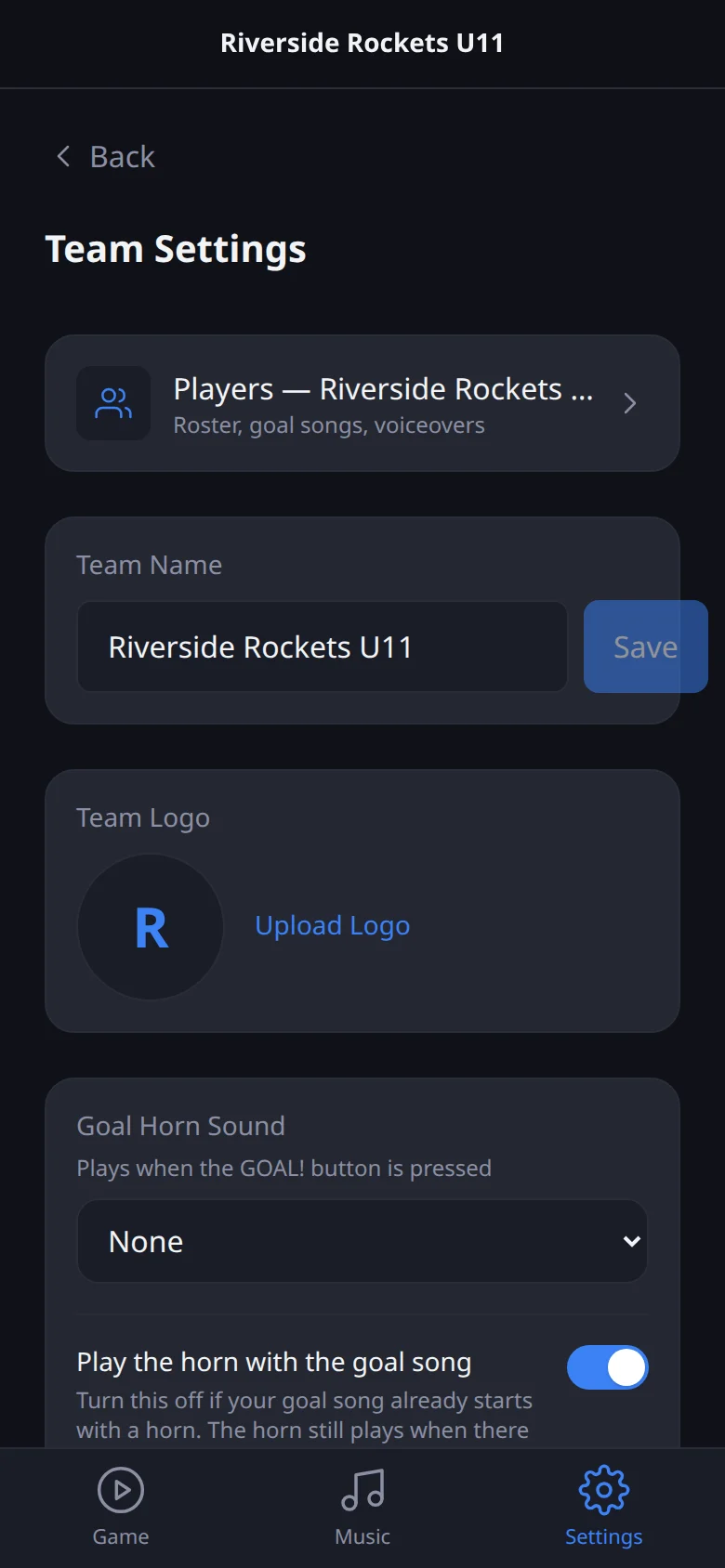
Create your account and your team
Sign up with your email, confirm it, then tap Create a team and give it a name.
Guide 2
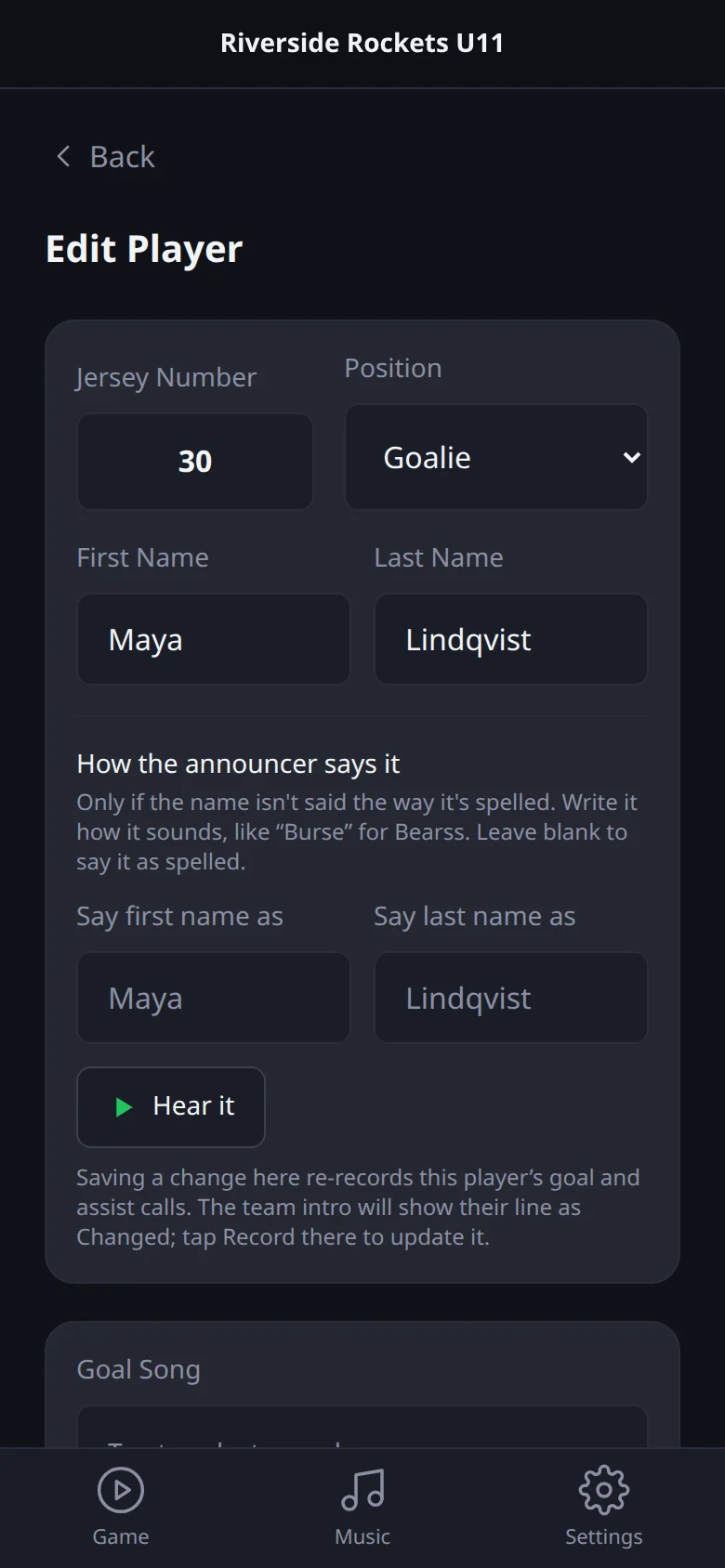
Add your players and their goal calls
Go to Settings, your team, then Players, and tap the plus button.
Guide 3
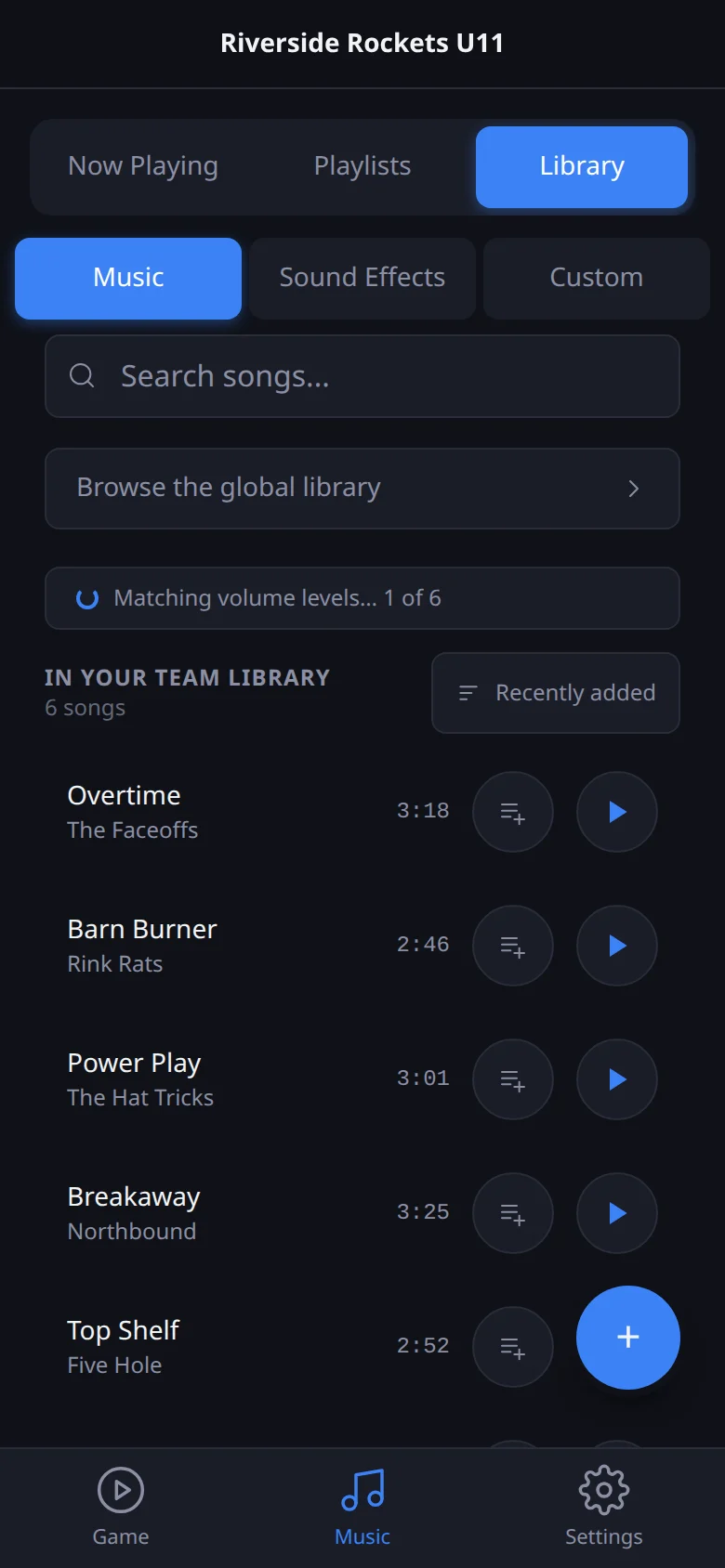
Add your music
Open Music, then Library, and tap the plus button to upload an audio file (MP3, WAV, M4A, OGG or AAC).
Guide 4
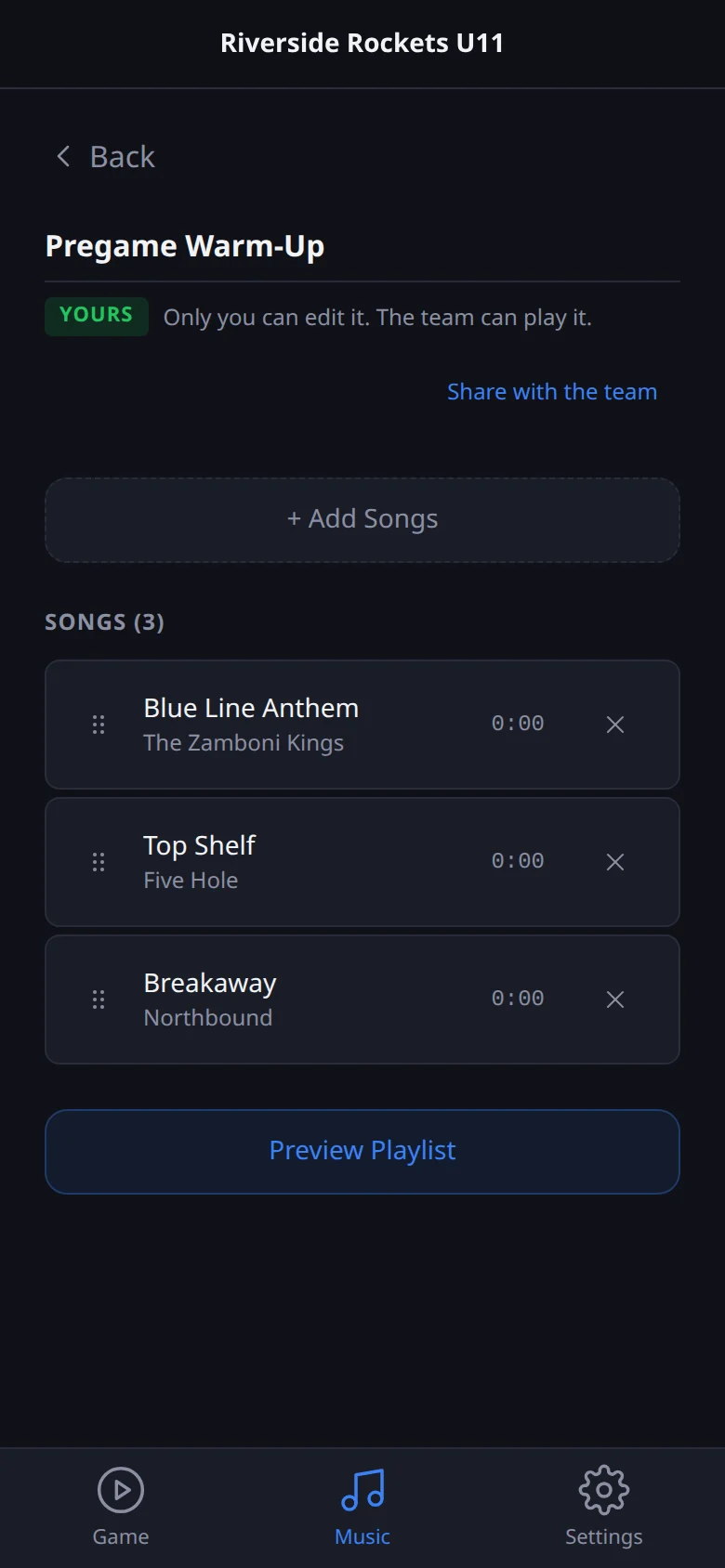
Build your pregame and in-game playlists
Open Music, then Playlists, and tap Create New Playlist.
Guide 5
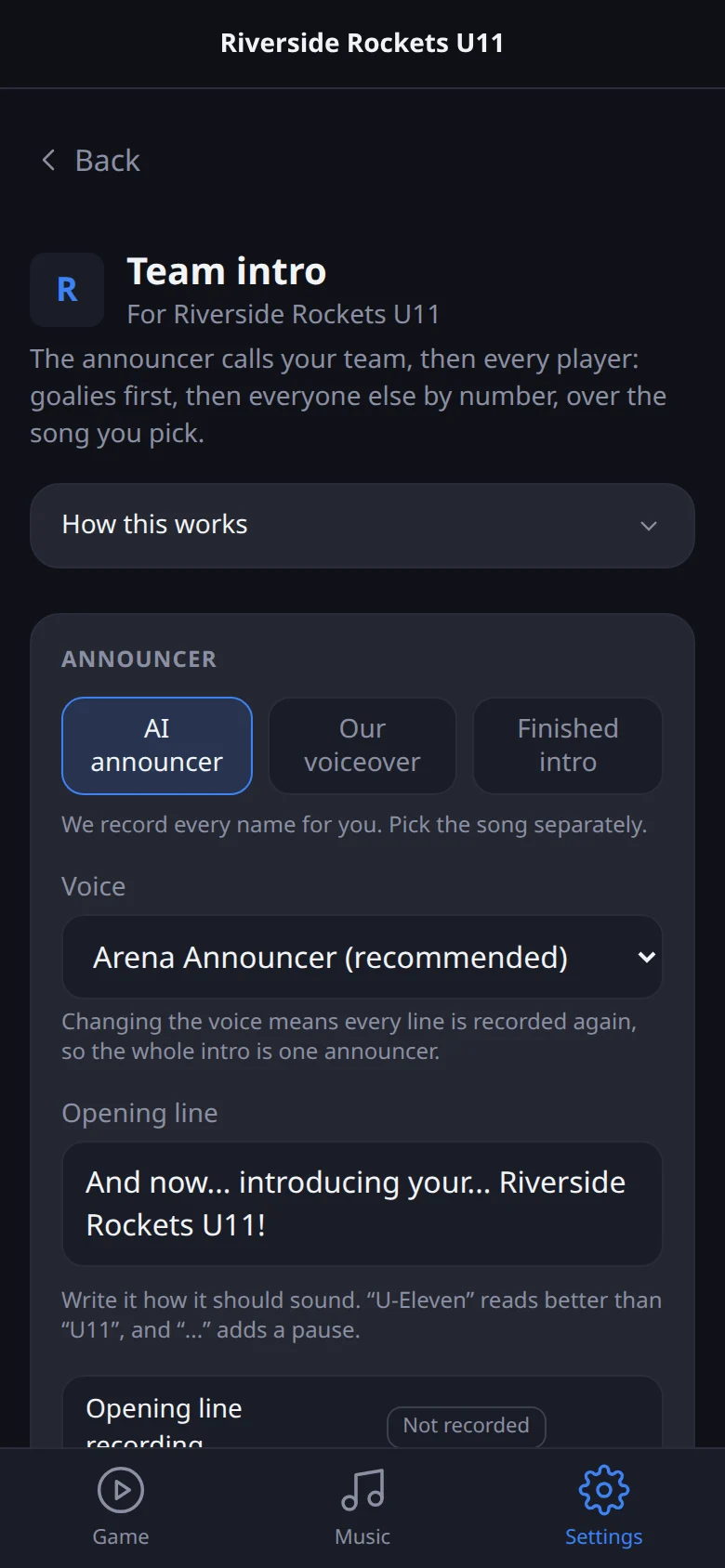
Set up your team intro
Go to Settings, your team, then Team intro.
Guide 6
Run the music during a game
Open Game and tap Load Game Audio while you still have a signal.